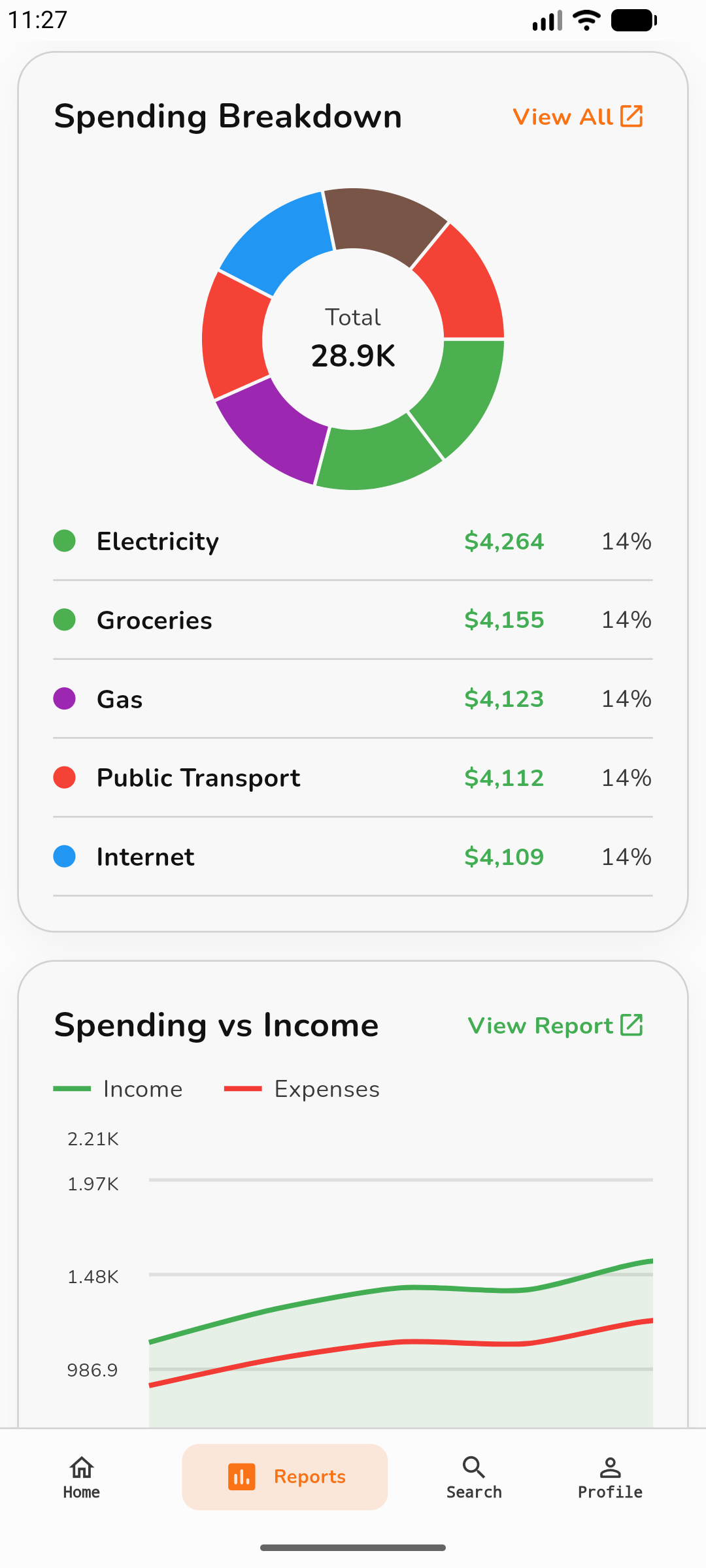
How does Spendo help me understand my money?
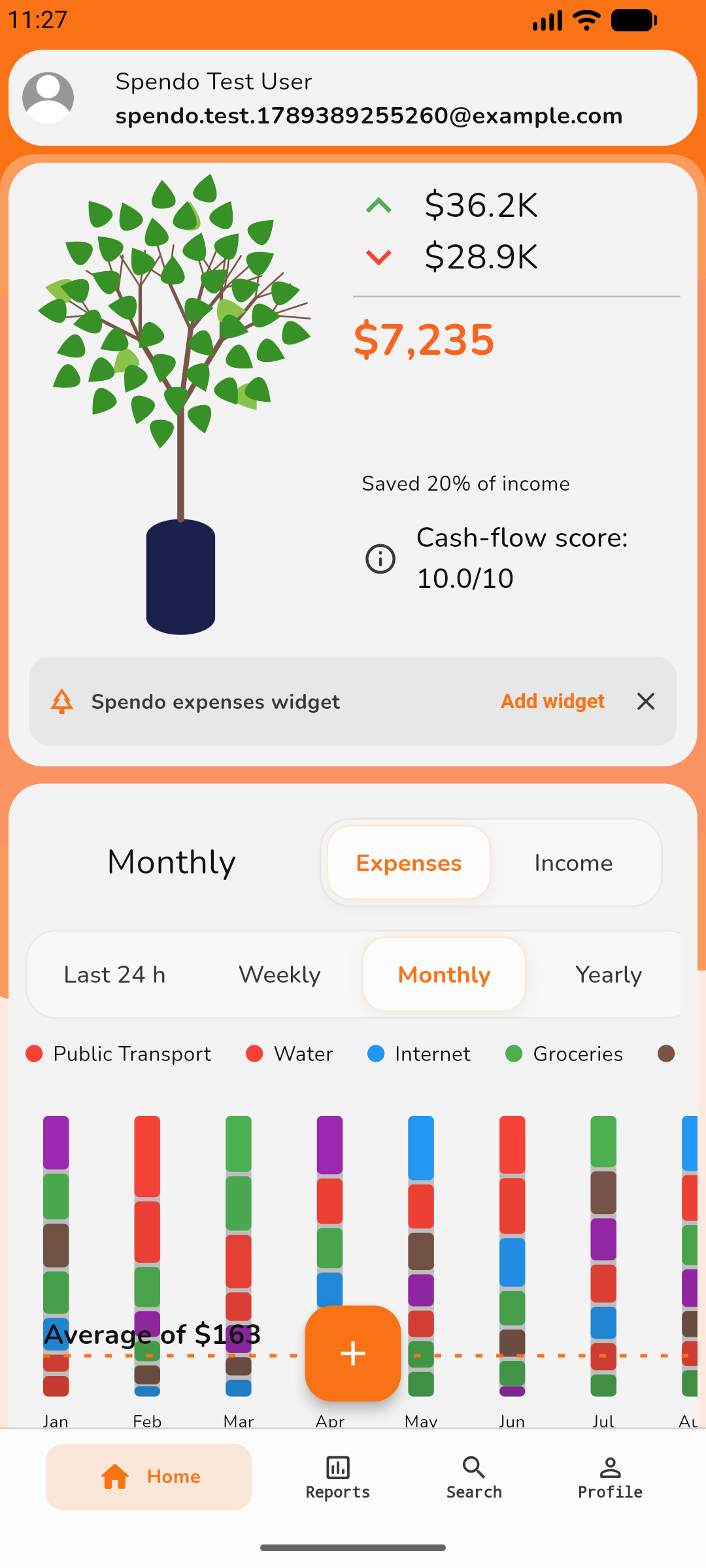
Keep income, expenses, accounts, and budgets together. Category breakdowns and reports show where money goes, while goals and debt tracking help you plan your next steps.
How can I see what I have left to spend?
Set a monthly budget and limits for categories such as groceries or eating out. Spendo shows what you have spent and what remains, helping you spot where to cut back before the month ends.
Can I track cash and bank accounts separately?
Yes. Keep separate accounts for cash, cards, or savings. Use a transfer when moving money between them so it is not counted as income or spending. Spendo records the move; it does not move money through your bank.
Can Spendo help me keep track of regular bills?
Free includes 2 local recurring schedules. A notification asks you to confirm before saving on this device. Plus and Gold add cloud processing and automatic recording. Spendo records transactions; it does not pay bills or collect money.
Can I save toward something specific?
Create a savings goal with a name and target amount, then follow your progress and milestones. It gives your saving a clear purpose, whether you are planning a holiday, a purchase, or an emergency fund.
Can I keep track of what I owe?
Add your debts and record repayments to see what is left. Compare repayment plans and explore how an extra monthly payment could change your payoff date and interest. These are estimates; Spendo does not make payments for you.
Can I use Spendo offline?
Yes. Add personal transactions and view saved data offline. Personal cloud backup needs Plus or Gold and a connection. Saving or deleting shared household transactions requires internet access.
Will I see the same transactions on my other devices?
When your changes are saved online, your other devices can catch up too. Open Spendo with an internet connection to see the latest transactions. Updates may take a little time.
Why is a transaction still waiting to sync?
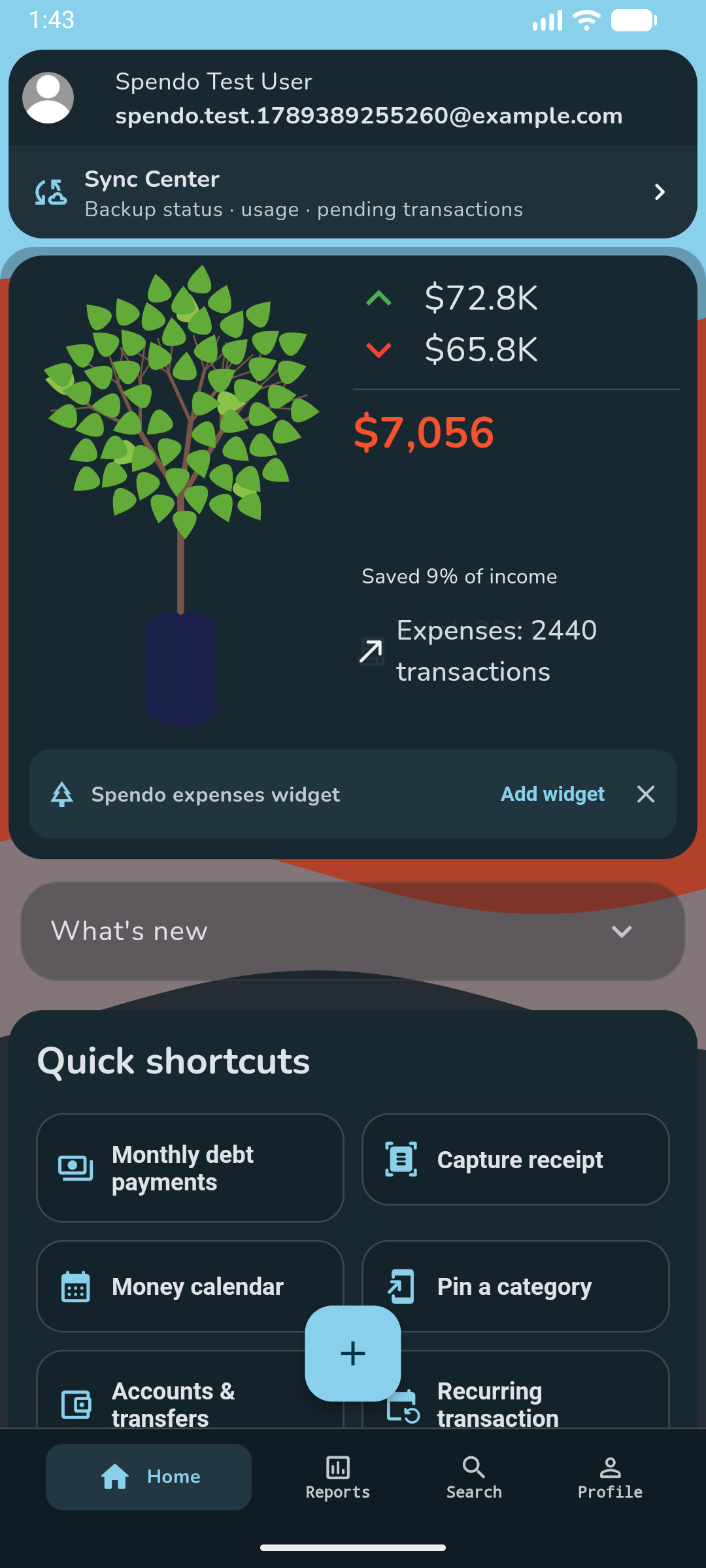
Check your connection, signed-in account, plan, and monthly allowance in Sync Center. Pending personal transactions stay on this device until backup succeeds. Check sync status before uninstalling or changing devices.
Can I undo a deleted personal transaction?
Personal deletions first enter Pending deletions in Search. You can undo before deletion sync starts. After synchronization begins, undo is unavailable and other devices remove the transaction when they catch up.
Who can delete a household transaction?
Its author or the household owner can delete it online, including several selected transactions. Deletion updates the shared budget for everyone. Household deletions do not have a pending-undo period.
Do I need to delete a transaction on each device?
No. Once the deletion is saved online, your other devices remove the transaction when they next connect and update. An offline device may still show it until then.
Does every household member need a subscription?
Gold includes one household, 10 members including the owner, and 2,000 shared transactions/month. Invited members can use Free. Existing households retain Plus access with 3 members and 300 transactions/month. Personal backups are separate. Expired owner access pauses new transactions and joins.
Do I need to type every receipt?
Scan a receipt image or supported PDF to prepare a transaction, then review the date, amount, and category before saving. Recognition currently focuses on Latin text, and unclear receipts may need corrections.
Can I move my data to a spreadsheet or share a report?
Use CSV import and export for spreadsheets, and PDF reports for sharing. Review import formats and row errors. Imported copies receive new record IDs; exporting a file is separate from cloud backup.
How do I add regular payments during setup?
Tap Add recurring transaction in setup, then choose from the categories you selected. Set the amount and schedule. Free includes 2 local schedules with confirmation reminders.
Can I use my own profile names for categories?
Yes. Search for an existing profile or type a new name when adding a category. You do not have to pick a suggestion.
What happens to my backup if I return to Free?
Your existing backup is kept. The recovery offered after sign-in can download settings and transactions together once for that sign-in. New personal backups need Plus or Gold. Settings recovery requires an app version that supports it.
Is my personal allowance shared across my devices?
Yes for Plus and Gold: 500 and 3,000 personal transactions per month respectively, including backup. Free allows 300 per device. Imports count, and a transfer uses two records. Downloads do not count again.
What happens when my monthly backup allowance is full?
Transactions waiting for backup stay on this device. They can upload after the monthly allowance resets while your paid plan is active. Keep the local data until backup finishes.
Why might a large deletion take longer?
Spendo limits unusually large or frequent deletion requests to protect the service. Pending personal deletions stay queued for retry. If asked to wait, try again later; do not clear the local data.
Will an import remove identical purchases?
Separate transactions with different exported IDs are kept, even if their details match. Rows without IDs are also kept. Importing a file without IDs again can create duplicates, so review it first.
Can I view a household report for a specific period?
Yes. Household reports start with this month and load the dates you choose. Select All Time when you need the full history; a larger report may take longer to load.
Can I keep my finances private on my phone?
Plus and Gold include a privacy lock using your device authentication. The lock is set on this device and is not copied from another phone when restoring settings.
How many receipts can I scan each month?
Free includes 60 scans, Plus 300, and Gold 1,000 per device each month. Saving a scanned transaction also uses your personal transaction allowance.
When do my monthly allowances renew?
Monthly allowances renew on the first day of each calendar month at 00:00 UTC. Sync Center shows the next reset date for cloud usage.
Do edits or deletions give me more allowance?
Editing an existing transaction does not count as creating another one. Deleting a transaction does not return the monthly allowance already used.
Can household members see my personal transactions?
Joining a household does not share your personal transaction history. Members see transactions saved to that household; your personal backup stays separate.
What if the household owner stops subscribing?
Existing shared transactions remain readable. New shared transactions and joins pause until the owner has an eligible plan again.
Can I record money in different currencies?
Yes, within your plan’s currency limit. Add the currencies and exchange rates you need in Settings. Review rates before relying on converted totals.
Can I use Spendo in another language?
Spendo supports English, Arabic, German, Spanish, French, Hindi, Portuguese, and Chinese. Change the app language in Settings.
Can I choose what appears on my Home screen?
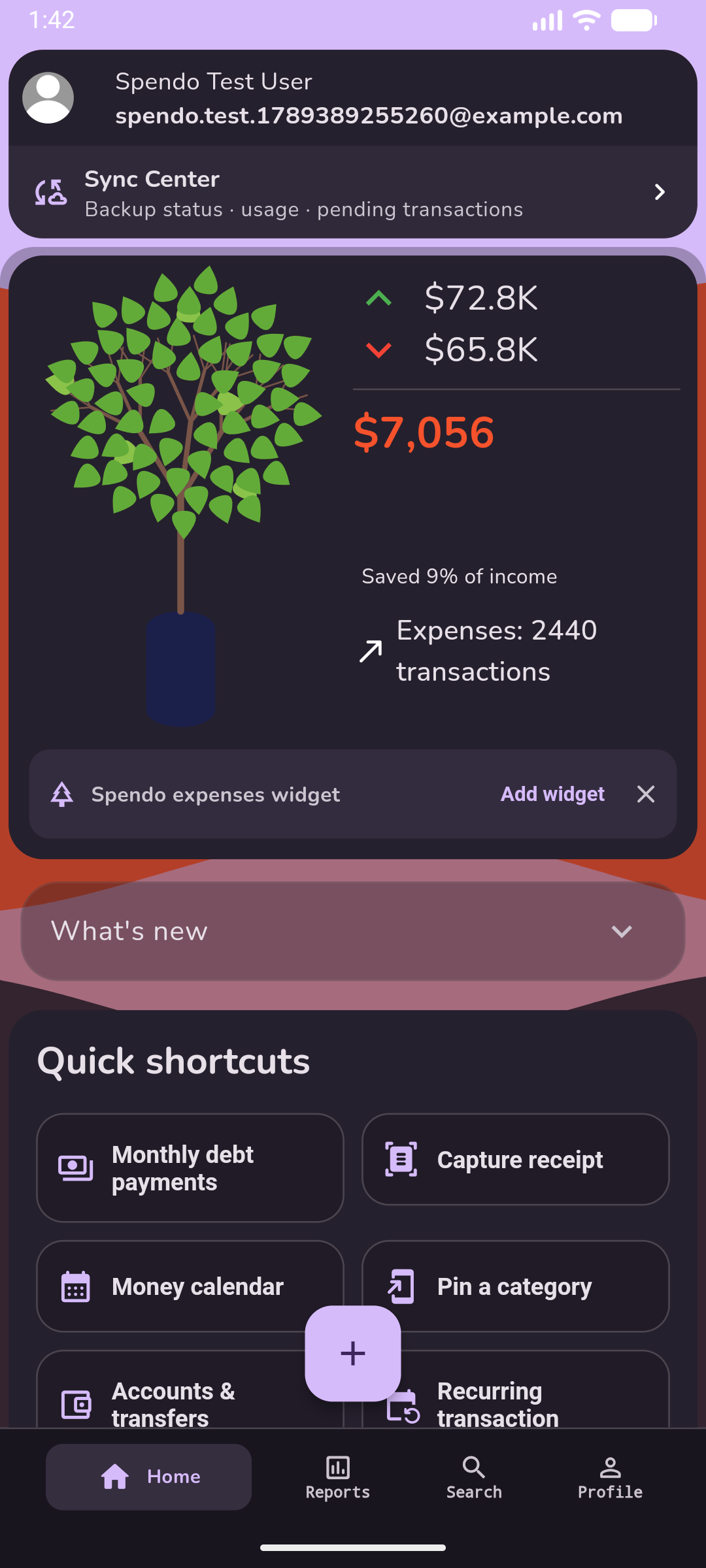
Plus and Gold include Home customization. Arrange or hide supported sections to keep the information you use most close at hand.
Which plan includes the premium themes?
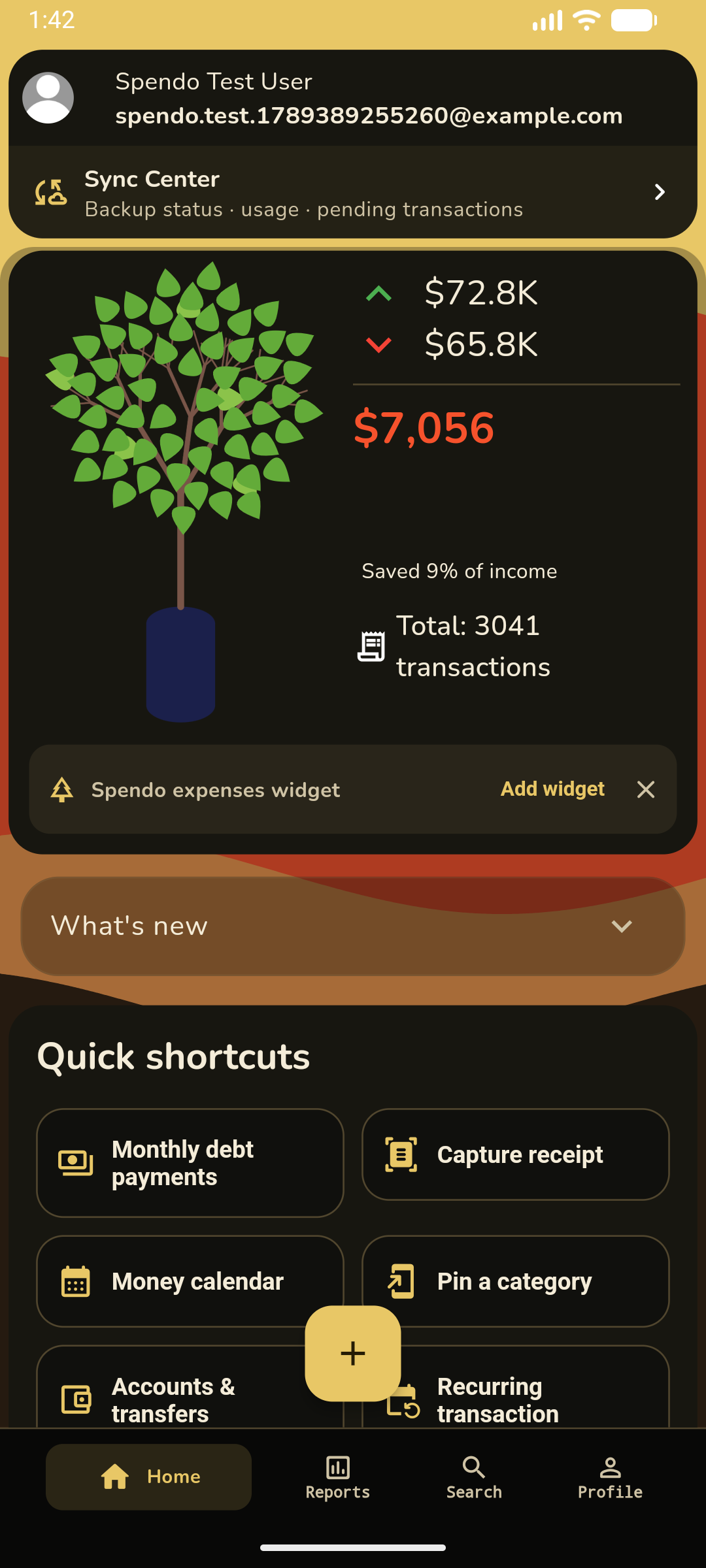
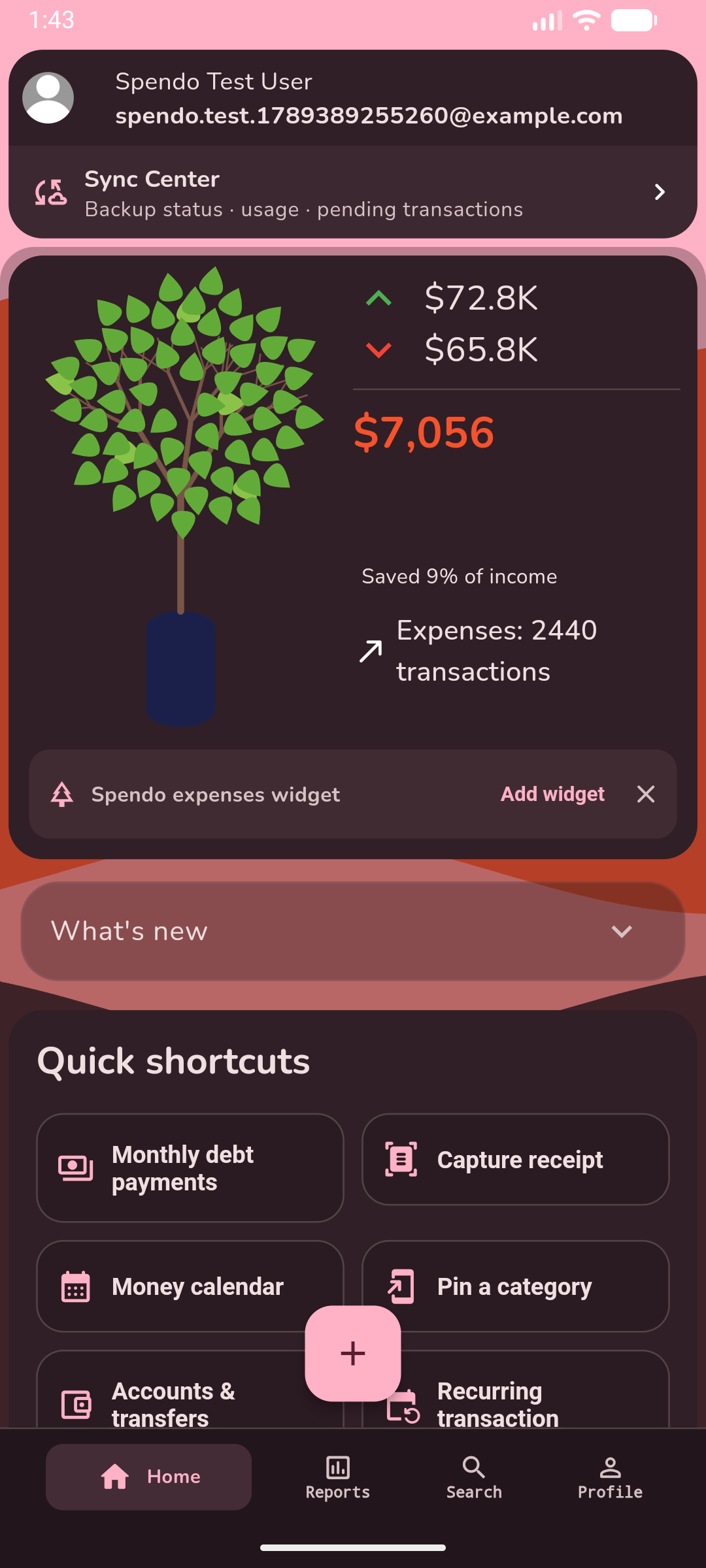
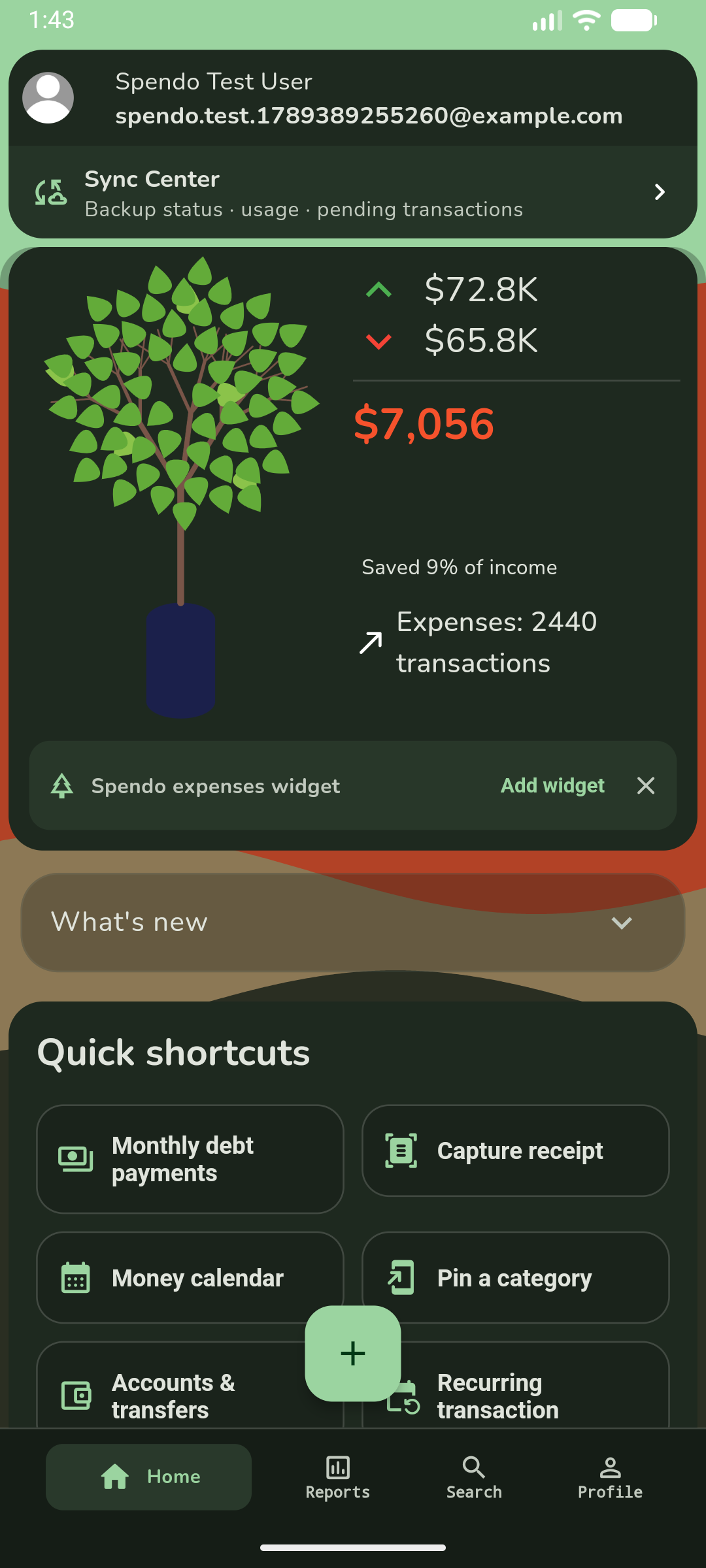
Gold includes all five premium themes. Choose a look you like in the app’s appearance settings.
How do I stop my subscription renewing?
Manage or cancel your subscription in the store where you purchased it. Uninstalling Spendo or deleting your Spendo account does not cancel the store subscription.
No matches. Try another word or topic.
Features can vary by app version. Keep Spendo updated.